Switching to VetVero
Switching to VetVero: what comes with you.
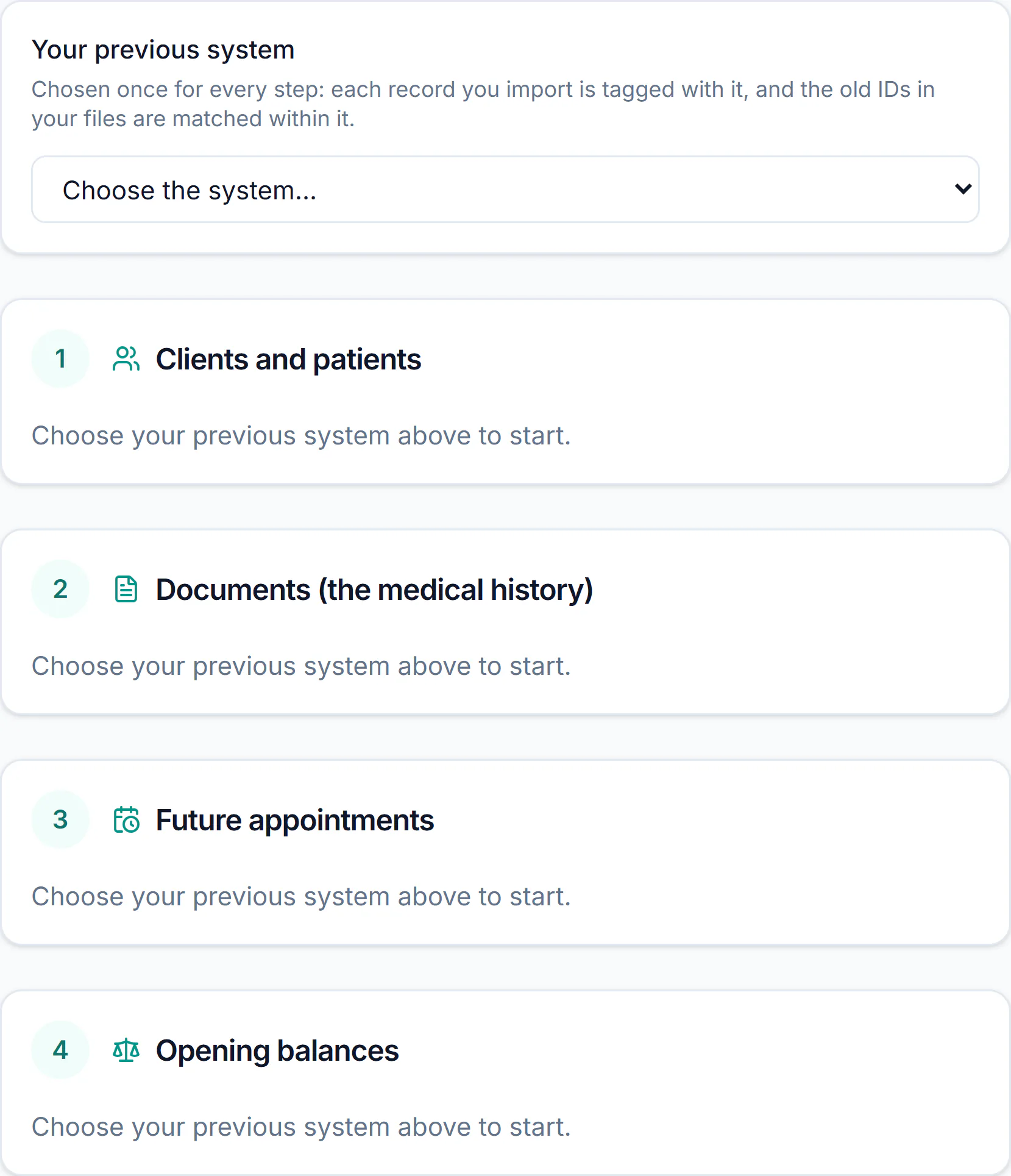
For clinics moving from another system, from spreadsheets or from paper. People from our team help you bring your data over, and every clinic gets a free setup session. The import goes in four steps, each with a preview before anything is saved.

Step 1: clients, patients and vaccinations
A CSV of your clients, their pets and the vaccinations on record. Alerts, allergies and microchips come with them, and you see what will be created before anything is saved.
- A client or a pet that is already there is matched, never written twice.
- What the import could not read is kept with the record, not thrown away.
- You choose what each vaccine name counts as, once per name.


Step 2: your old system's documents
A ZIP of the old system's files, and a list that matches each one to its patient. The old medical history comes in as documents on each patient's Files tab.
PDFs and images
PDF, JPEG, PNG and WebP files, up to 10 MB each.
With their patient
Each file sits on its patient's Files tab, dated as the document was and marked as imported.
Never twice
The same file for the same patient is taken once, however often you run the step.
Step 3: the appointments ahead
Your future appointments, kept as you had them. Nothing is sent to clients at import.
The book ahead
Appointments from now on come in; a past appointment does not.
As you had them
Two appointments at one time in the old book are both booked, and listed for you.
Safe to run again
An appointment already imported is not added a second time.
Step 4: opening balances
What each client owes or holds as credit, brought forward as of a date you choose — never counted as new revenue.
What a client owes
One invoice for each client, "Balance brought forward", as of your date.
What a client holds
Account credit, ready to go against a later invoice.
Out of your sales
Reports leave opening balances out of revenue, and keep them in what clients owe.
What does not come over
Said plainly: your old system's visits do not become visits in VetVero. They come as the documents your old system exported, attached to each patient.
Old visits
As documents on the patient's Files tab — not as visits you can edit.
Past appointments
Not imported. The book ahead is.
Old invoices
Not line by line. The balance each client carries is.
People, not a converter
No support tiers, no upsells — these come with every subscription.
Data migration help
We'll help you bring your data over from your current system — real people from our team working with you, not a converter you're left alone with.
Free setup session
Free setup session — we'll configure your clinic with you, so day one starts with your services, staff, and schedule already in place.
Direct support
Direct support from the team that builds VetVero — phone and email, no call center, no ticket queue.
Phone support for customers, Mon–Fri 9am–4pm ET
The export you can leave with
Leaving is as plain as arriving. The clinic's owner can export every record and every stored file at any time, and download them from Settings.
- Records and files are prepared in the background, then ready to download for 24 hours.
- The download needs the owner's sign-in: no link to your data is sent by email.
- After a subscription ends, the owner can still export.


Common questions
Do you convert my old system's database?
No. You export files from your old system, and people from our team help you bring them in through the four import steps.
Do my old visit notes become visits in VetVero?
No. They come in as documents attached to each patient, on the patient's Files tab.
Is anything sent to my clients during the import?
No. The import sends nothing; reminders follow your clinic's settings afterwards.
What does the import cost?
Nothing extra. Data migration help, the CSV import and a setup session come with every subscription.

Run your clinic on one calm, careful system.
Start your 14-day free trial today, or let us walk you through it first.
No credit card required · Cancel anytime